 Design Studio
Building a design environment for people and agents
Design Studio is an AI prototype sandbox for designers and product managers who build. I built it on my own for Sublime’s product team, then rebuilt it as open source.
- When
- 2026 to now
- Role
- Sole designer and builder
- Team
- About 12 at Sublime
- Outcome
- Adopted team-wide
1. Start here
Handoff, then context.
Design handoff: Phishing Training Beta
Start here. Recipient training after a simulated phish: Notice, Learn, Done (private); plus optional Team note and knowledge check (public).
Build from
This prototype is the recipient-facing training landing after someone clicks a simulated phishing email. Build the hi-fi screens below. Lo-fi on the canvas is the same structure.
Private beta. Notice → Learn → Done.
What to build.
Design context
Why recipient training is a stepped flow.
This prototype is the recipient experience after someone clicks a simulated phishing email. For what to build, start with Design handoff. Admin create and campaign detail live in Phishing Training Campaign Integration.
Problem
A click is a stressful “was this real?” moment. The page has to:
- Tell the recipient it was a simulation
- Teach them quickly enough to finish (about 30 seconds to 2 minutes)
- Give the security team a completion signal, and in public beta a knowledge-check score
Two audiences: the recipient (anxious, little patience) and the security team (evidence, optional org instructions, follow-up).
Source
Sam’s PM prototypes established the content. They stacked notice, training, org content, and a quiz on one page.
Why this shape.
2. Hi-fi
Private beta
Product-fidelity translations.
This was a phishing simulation
This email was part of an internal security awareness campaign. No real threat was involved and no data was compromised.
Because you clicked the link, your security team has assigned a short training.
- You clicked a link in a simulated phishing email.
- This was a test, your account and data are safe.
- You have a new assigned training you need to complete.
A neutral training page.
Why this email was suspicious
Review what made this message risky, one warning sign at a time.
microsoft-alerts@secure-login-verify.netDear User,
We have detected unusual activity on your account. Your account will be suspended in 24 hours unless you verify your identity immediately.
To keep your account active, please confirm your details using the button below.
Verify My AccountThe Microsoft Team
Hovering the button reveals a destination that does not match Microsoft or the expected domain.
Legal disclaimer: Any brand names, logos, or trademarks referenced in this simulation (including Microsoft, DocuSign, Google, and others) are used solely for educational and security awareness purposes. This simulation was not authorized by, affiliated with, or endorsed by those organizations. No data was collected or transmitted to any third party.
Blue warning signs.
Training complete
Thanks for completing this short security awareness training.
This simulation and training were conducted using Sublime Security. For questions, contact your security team.


Sublime attribution.
3. Lo-fi
Private beta
The same flow as storyboards.
This was a phishing simulation
This email was part of an internal security awareness campaign. No real threat was involved and no data was compromised.
Because you clicked the link, your security team has assigned a short training.
- You clicked a link in a simulated phishing email.
- This was a test, your account and data are safe.
- You have a new assigned training you need to complete.
Assigns a short training.
Why this email was suspicious
Review what made this message risky, one warning sign at a time.
microsoft-alerts@secure-login-verify.netDear User,
We have detected unusual activity on your account. Your account will be suspended in 24 hours unless you verify your identity immediately.
To keep your account active, please confirm your details using the button below.
Verify My AccountThe Microsoft Team
Hovering the button reveals a destination that does not match Microsoft or the expected domain.
Legal disclaimer: Any brand names, logos, or trademarks referenced in this simulation (including Microsoft, DocuSign, Google, and others) are used solely for educational and security awareness purposes. This simulation was not authorized by, affiliated with, or endorsed by those organizations. No data was collected or transmitted to any third party.
Review each sign.
Training complete
Thanks for completing this short security awareness training.
This simulation and training were conducted using Sublime Security. For questions, contact your security team.
A short confirmation.
AI prototypes were isolated, and product code too heavy
Design Studio is the middle ground. It uses the product’s real components and rules, so designs look real, but lives in its own repo, so trying ideas stays fast.
One-off prototypes
Claude, v0, Figma Make
Connect to nothing, so nothing compounds
The production repo
Built to ship a large product
Too heavy to explore many directions
Design Studio
Fast to explore, true to the product
The product’s own components and rules, in one repo the team shares, so work compounds
The whole product team designs in one place
About a dozen people have made hundreds of prototypes, with several more each week.
Design PrototypesAgent Configuration
Configuration interfaces for ASA (Automated Security Analyst) and ADE (Automated Detection Engineer) agents. Includes high-fidelity designs, launch views, and wireframes.
Patrick • Jan 26, 2026Pages
- Ade Design Future Wireframe
- Ade Design Launch
- Ade Design
- Ade Prototype
- Asa Design Future Wireframe
- Asa Design Launch
- Asa Design
- Asa Prototype
Agents work from context and skills designed for the team
People build by asking coding agents. A deliberate suite of rules, product context and skills shapes what each agent knows and does.
Always loaded
On every task
- systems.md
- fidelity.md
- conventions.md
On demand
When the task calls for it
- product-prototyping.md
- canvases.md
- documents.md
Skills
When an ask matches
- critique-design
- explore-designs
- write-design-handoff
No one can break anyone else’s work
A deliberate scoping system knows who each contributor is and what they own. Changes in their scope approve themselves; anything shared gets a review.
Joe’s pull request
Auto-approvedAll changed files are within joe’s owned scope (prototypes + owned tools). Auto-approved — you can merge when status checks pass.
A change to a shared component
Waiting for reviewThis PR includes files outside the author’s owned scope. A maintainer review is required before merging.
“This isn’t just some little side project y’all — we have essentially replaced Figma with this at Sublime.”
- github-actions Bot approved these changes
- joesalowitz enabled auto-merge (squash)
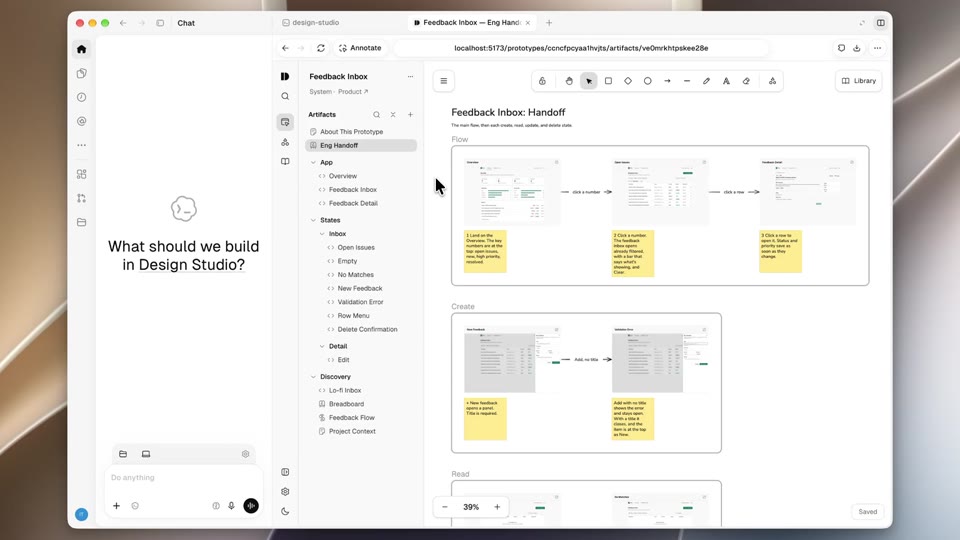
Engineering builds from the prototype itself
The prototype’s folder is the handoff: its screens, its canvas and the notes that explain them.
"frames": [{"id": "landing-handoff","ref": {"document": "design-handoff"},"label": "Handoff: start here","annotation": "What to build for the recipient training landing. Older explorations are on Archive - landing page.",},{"id": "landing-audit","ref": {"document": "design-context"},"label": "Design context","annotation": "Why this shape: problem, Sam's source, direction, and open questions."},{
~/design-studio git pull
› Build src/prototypes/patrick/phishing-training-beta in production
●Read meta.json · Notice, Learn, Done
●Read documents/design-handoff.mdx · what to build
●Read canvases/landing-page-flow.json · the flow and its notes
●Porting with engineering’s skills
Designers outside Sublime wanted one too
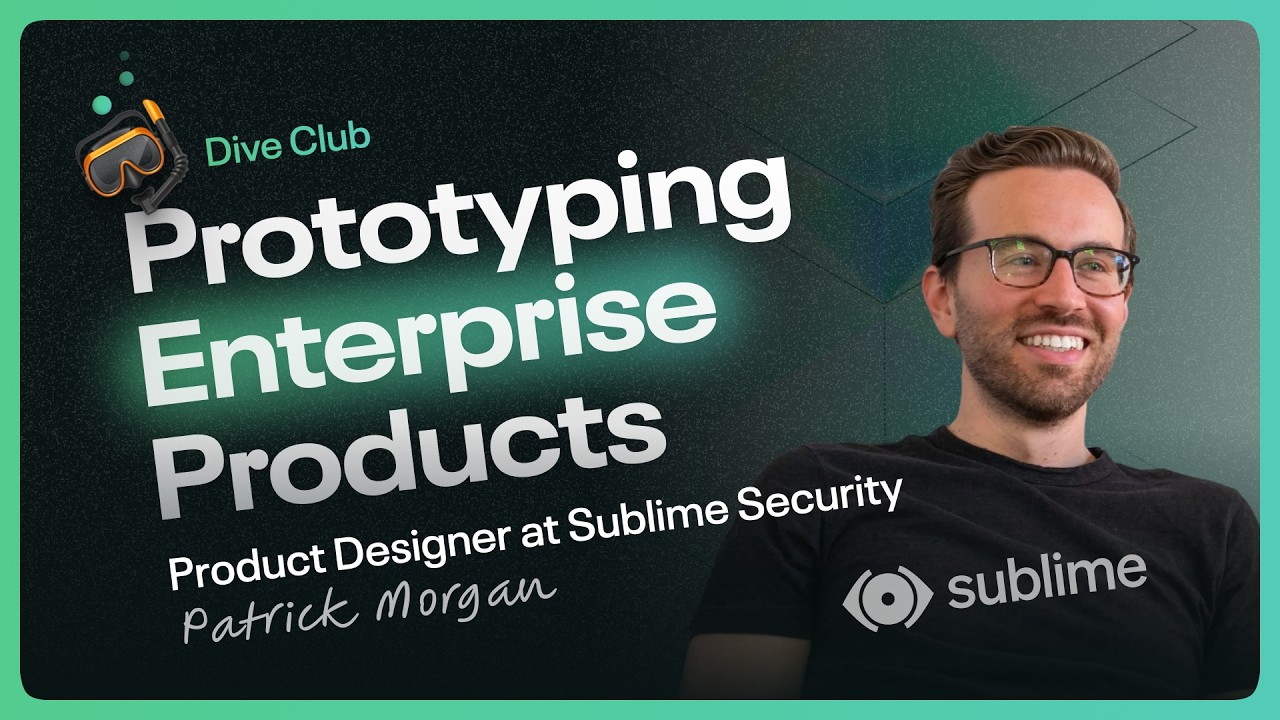
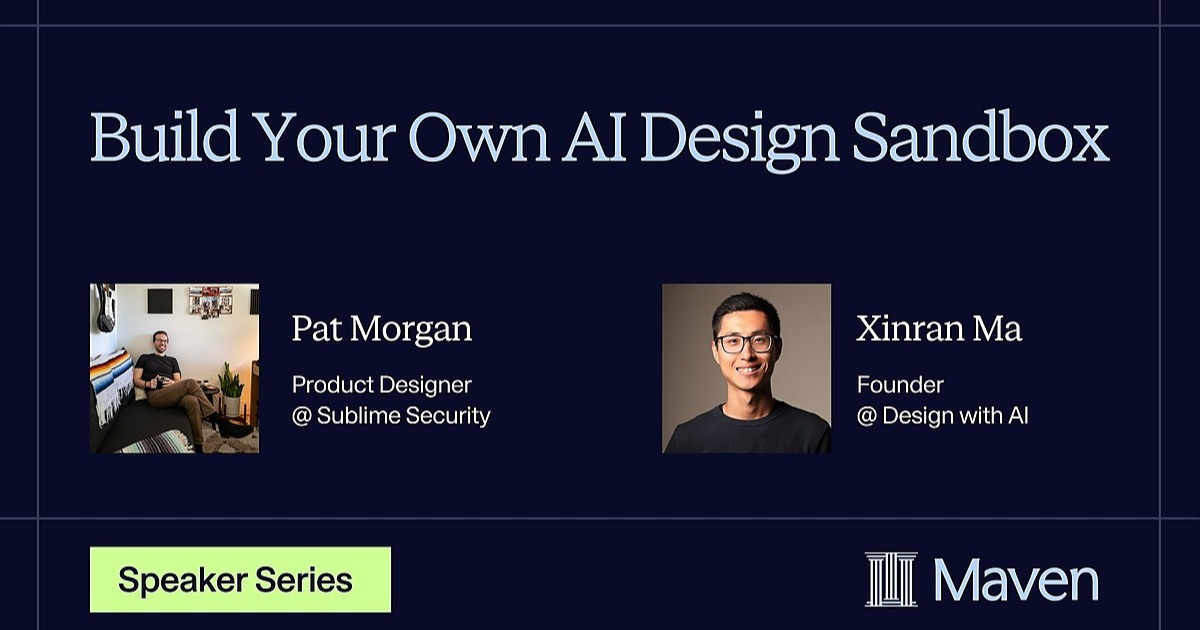
A podcast interview, a live lesson and a launch post brought Design Studio to a wider audience.
Open source, so anyone can make their own
I rebuilt Design Studio from scratch for the design community, so any team can run one of its own.
Design Studio
Latest prototypes
Systems
From one folder to the whole team, and beyond
I built Design Studio for myself first. Then others started asking for it, so I kept building.
- Jan 2026 One folder of screens
A place to try agent configuration ideas without building a new app each time.
- Mar 2026 Opens to the team, and becomes Design Studio
Each person gets a folder of their own to prototype in, and the name grows past product design.
- May 2026 Sublime’s own AI agent connects
Gimlet, the company’s internal agent, can search it and act in it from Slack.
- Jun 2026 The real components arrive
An agent ported Sublime’s production components one by one, so prototypes look like the product.
- Jul 2026 Canvases, and the first end-to-end workflow
A brief, flows in low fidelity, then high fidelity, side by side on a canvas, with comments right on the design.
- Aug 2026 Dive Club interview
Designers outside Sublime ask for their own.
- Oct 2026 Open-source launch
More than 600 signed up for the Maven lesson.