Design Studio is an open source, AI prototype sandbox for designers and product managers who build.
Works with coding agents like
Prototype view — 1 of 6
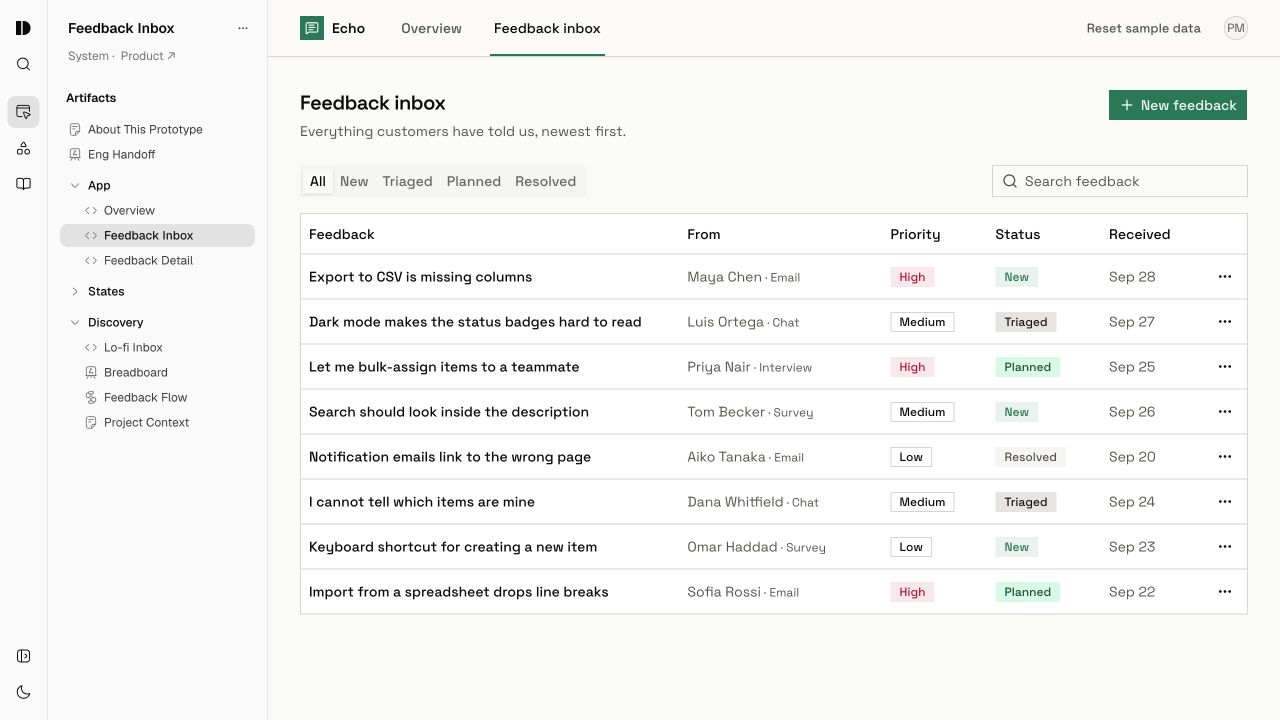
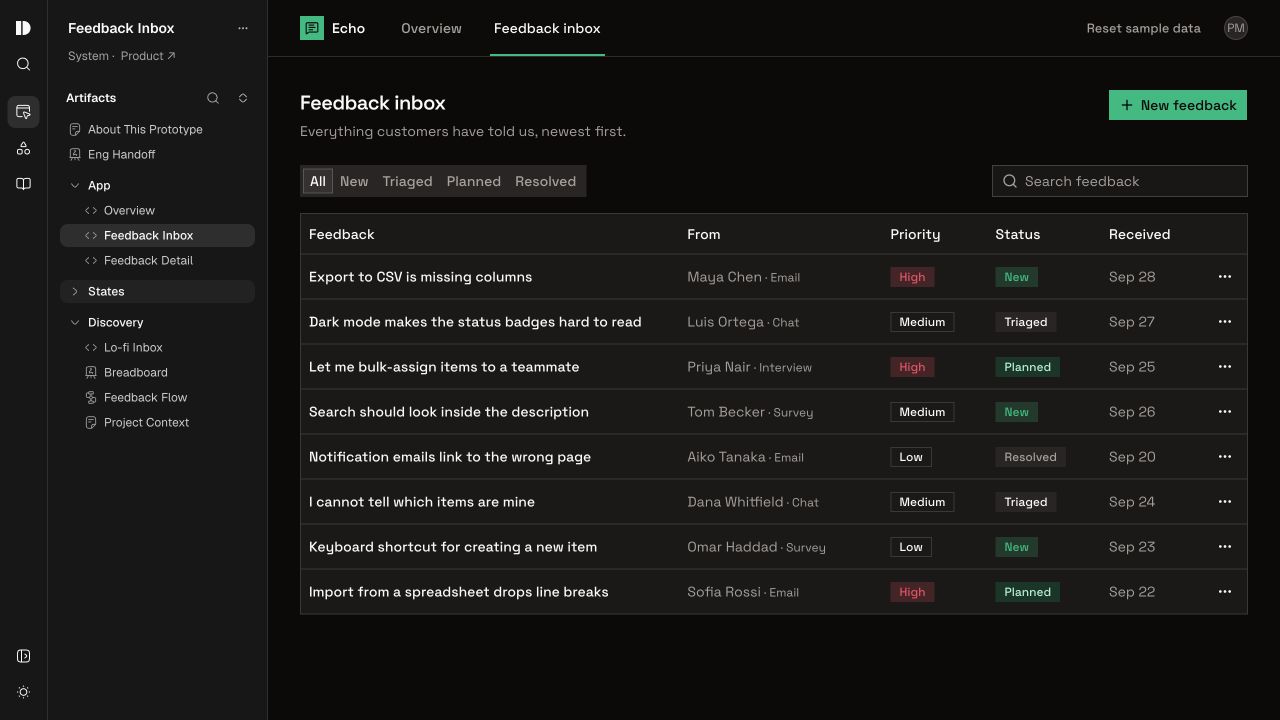
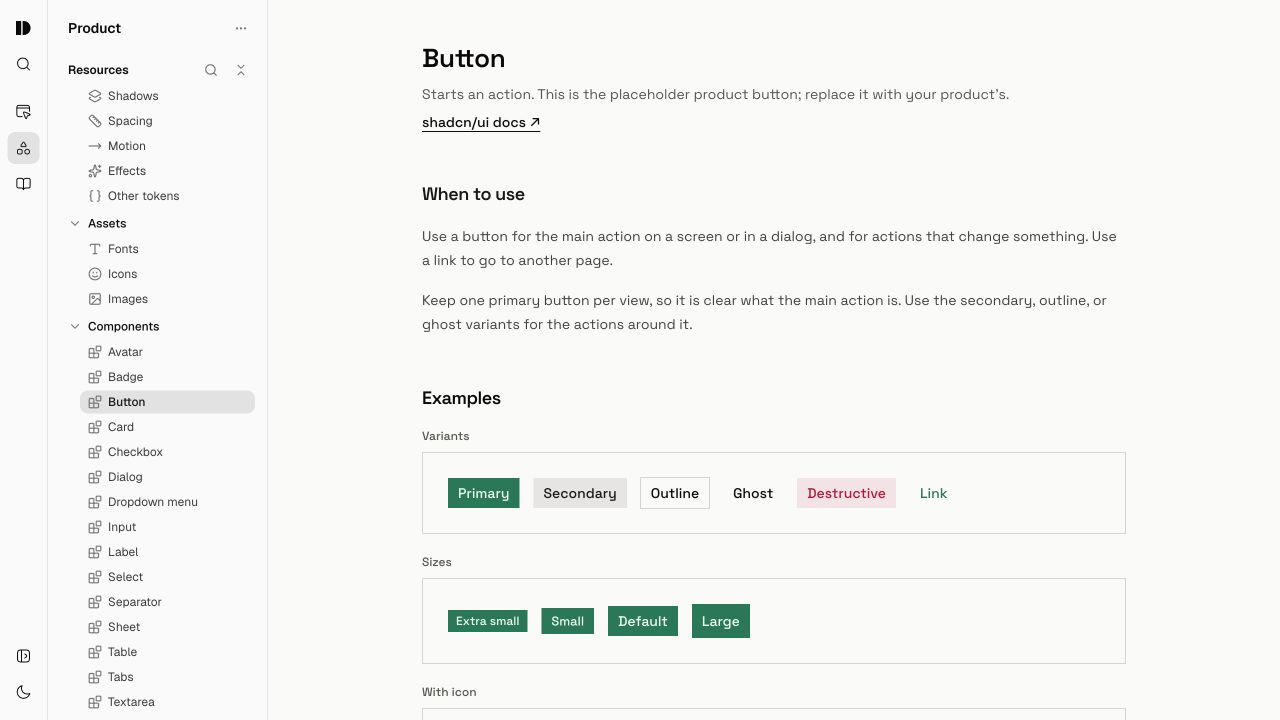
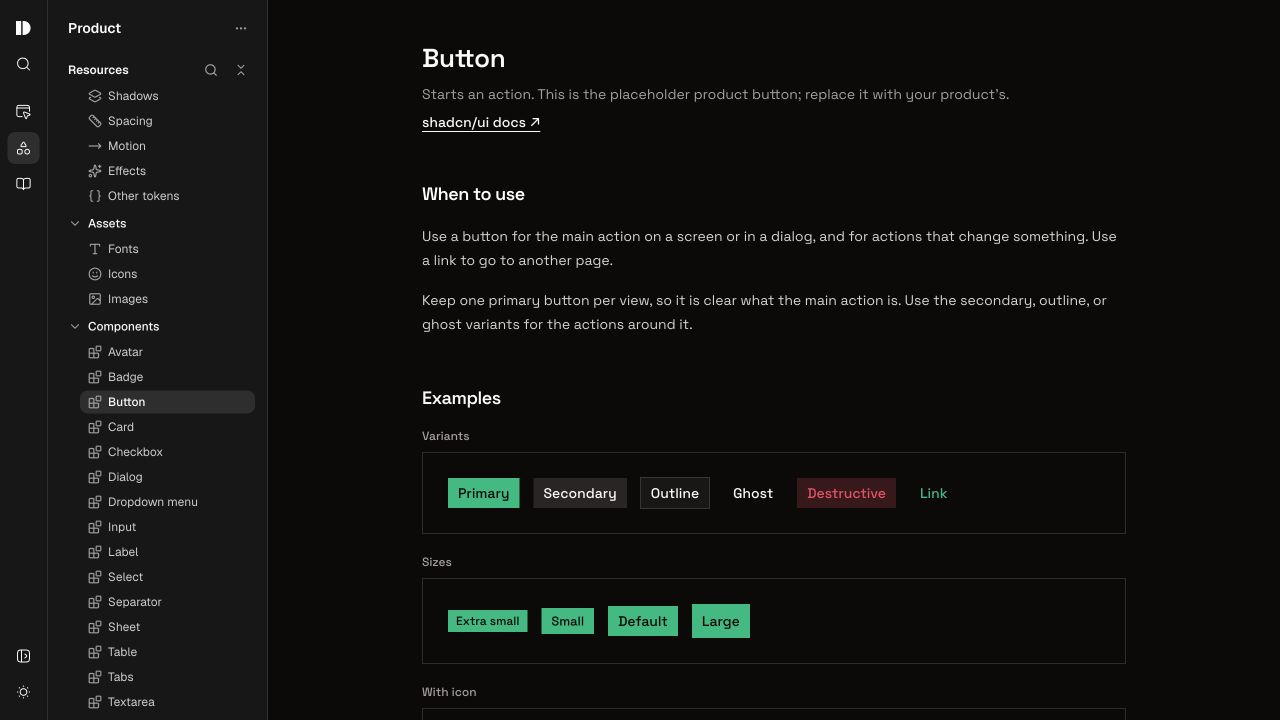
Explore the prototype, its context, and the artifacts behind it. Open the demo to try it yourself.
Your design system, with context and skills
Bring your theme, components, context, and skills into a system your agent can reuse across prototypes.
Create different systems for products, marketing, or clients. Pick the right foundation for each idea.
Keep the thinking with the work
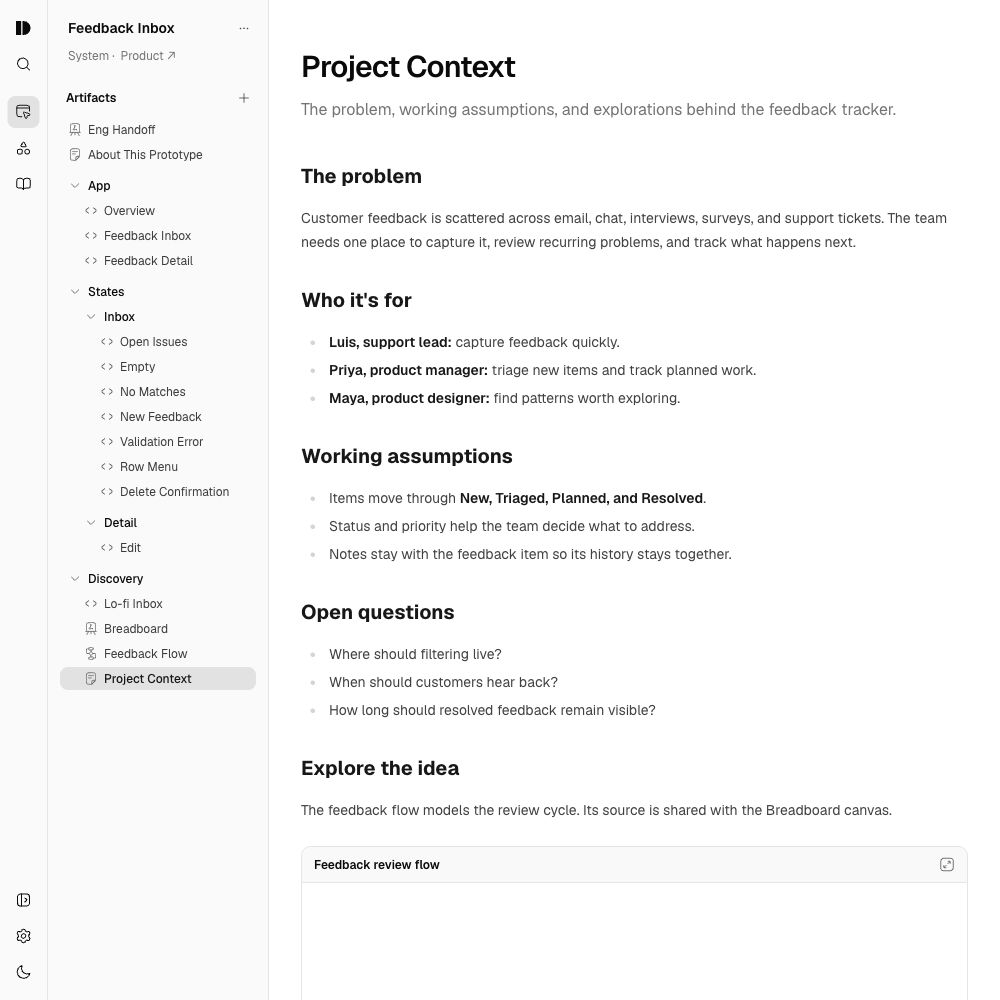
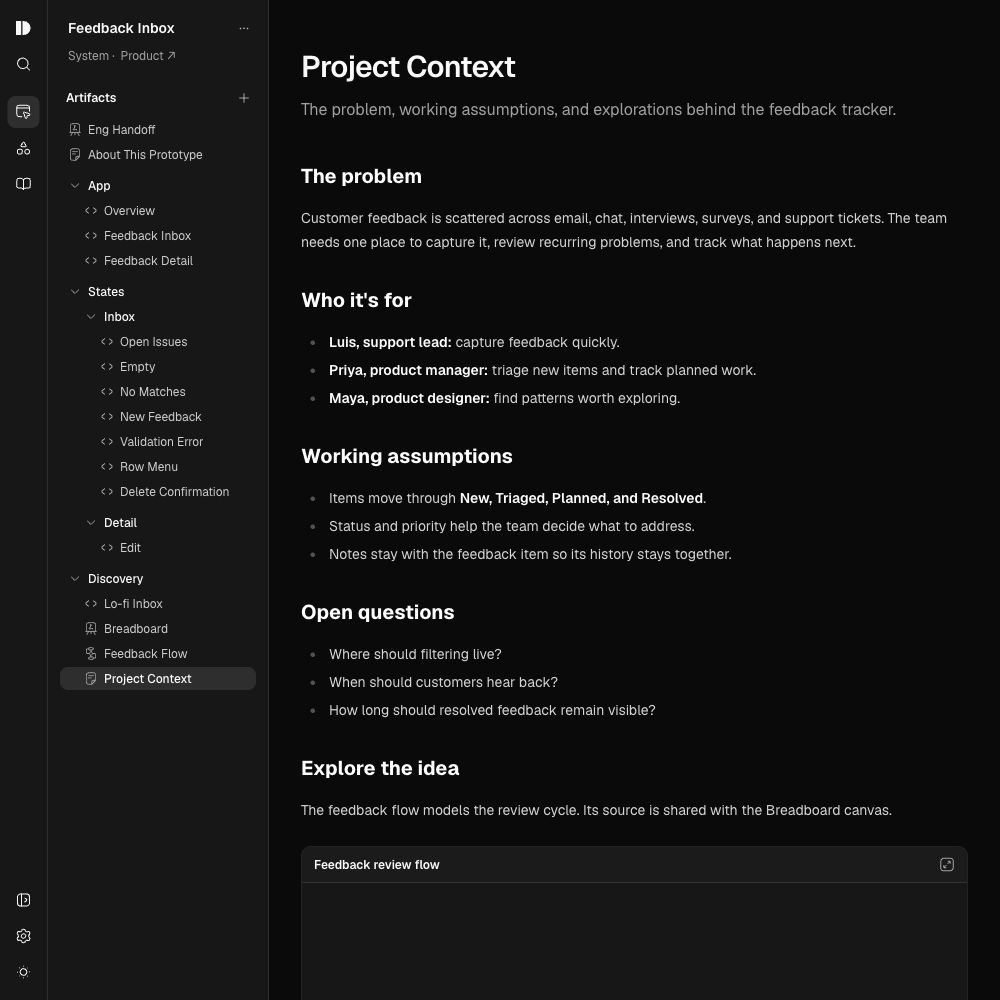
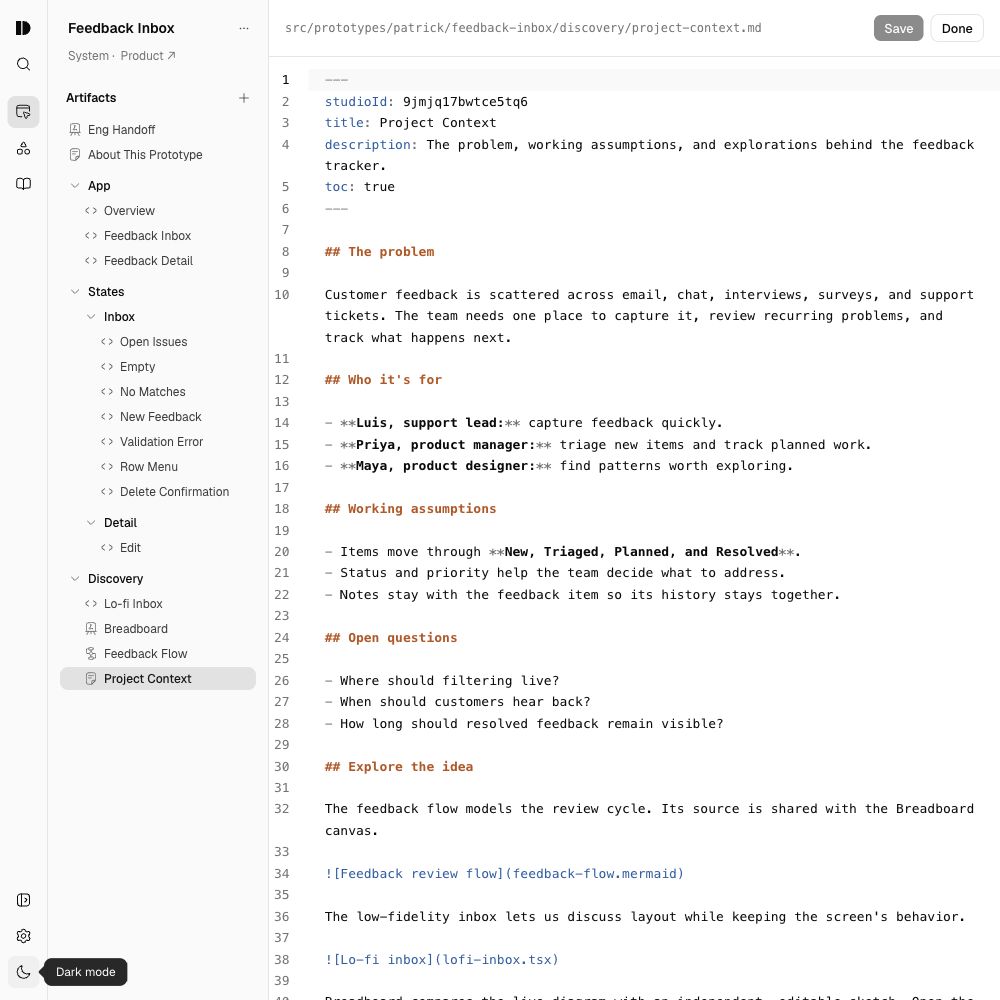
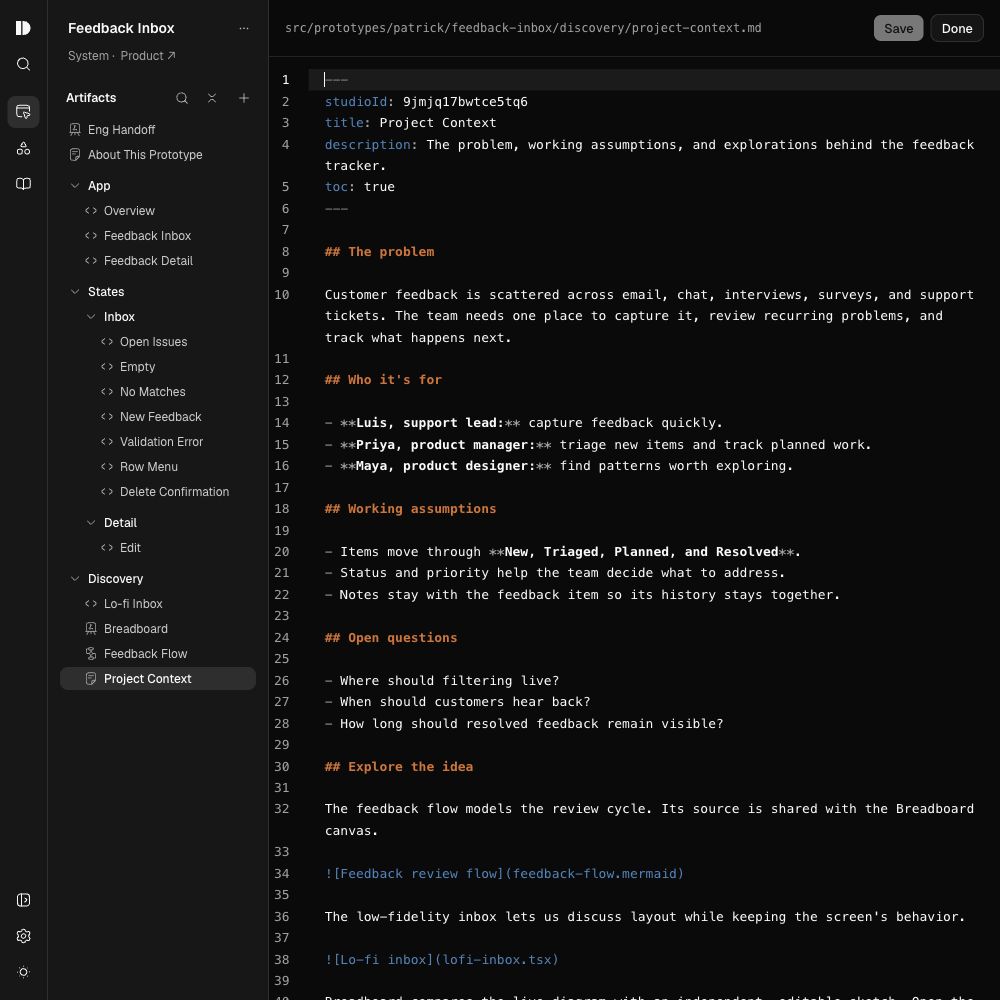
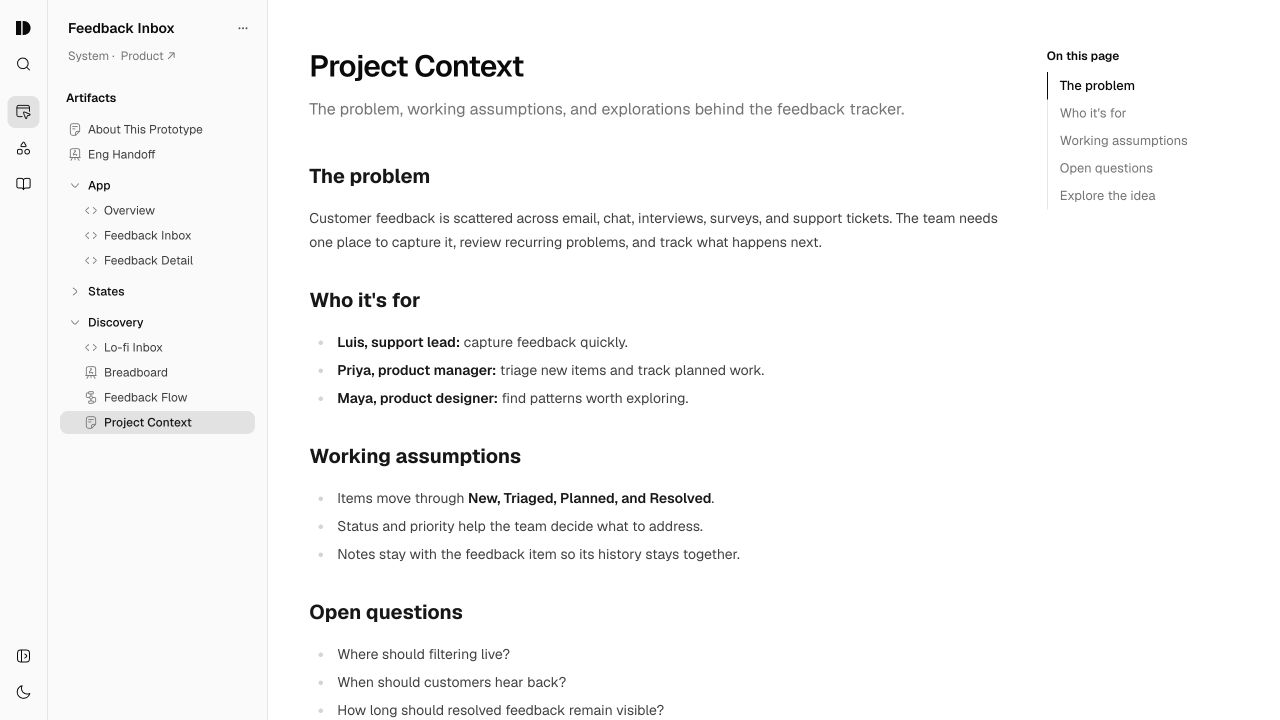
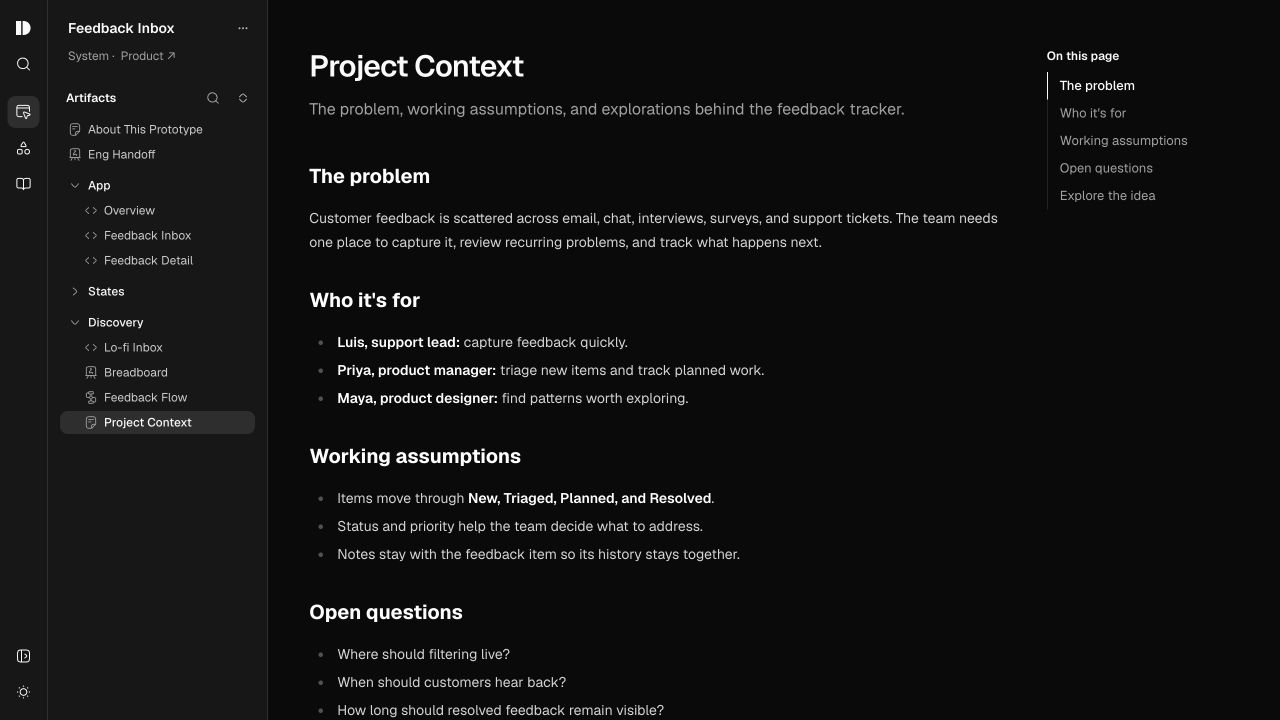
Keep the brief, decisions, and open questions alongside the work. You and your agent write in the same Markdown documents.
Context for the system
Shared product knowledge and design principles.
Context for the prototype
The problem, assumptions, and questions for this idea.
Give your idea shape
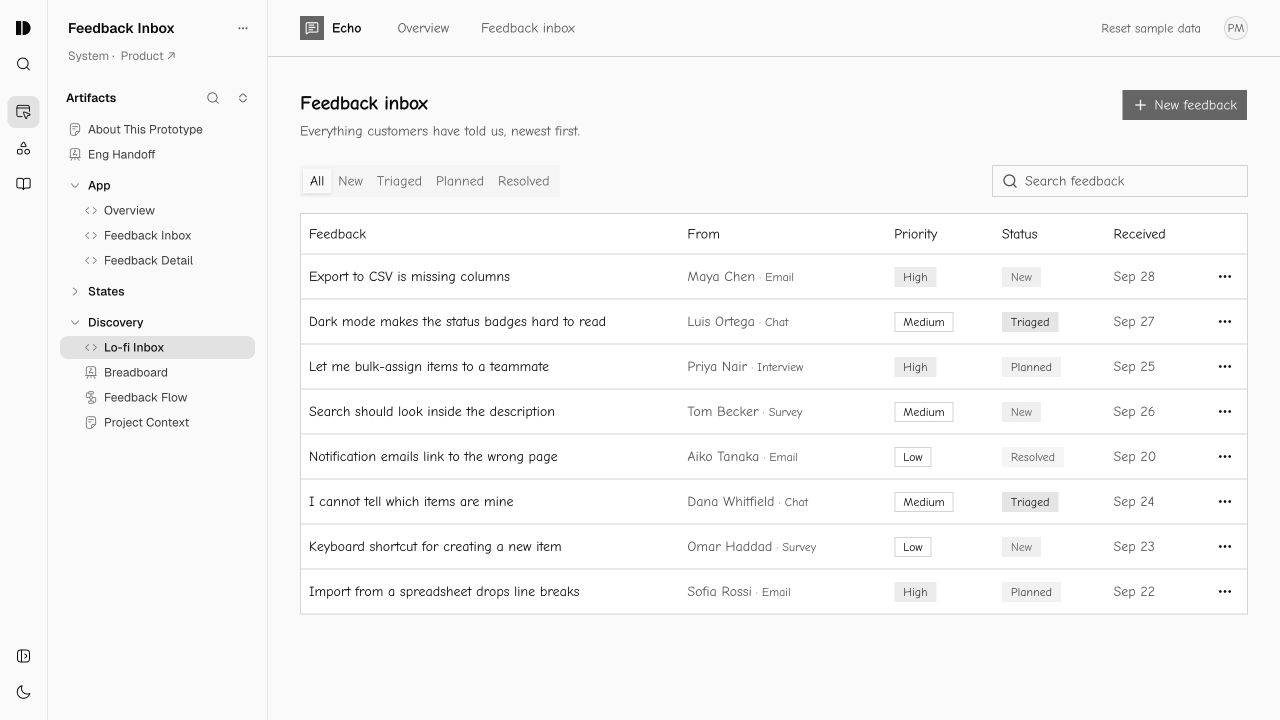
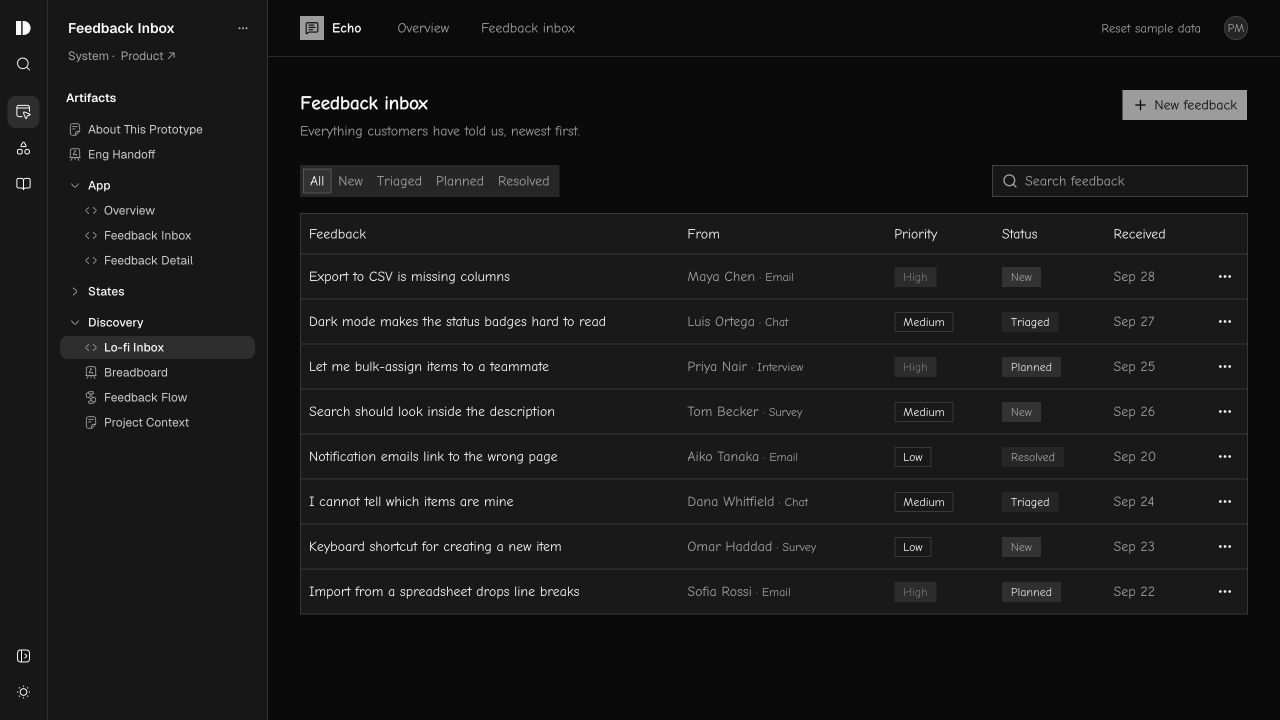
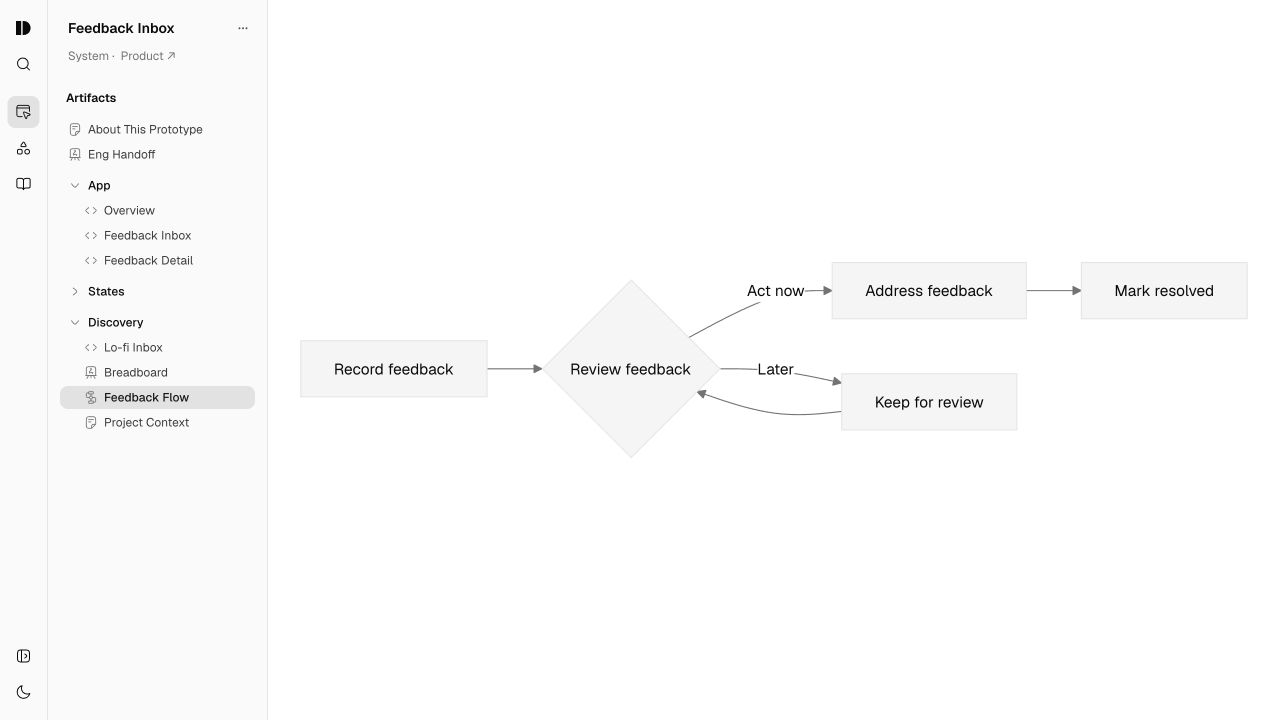
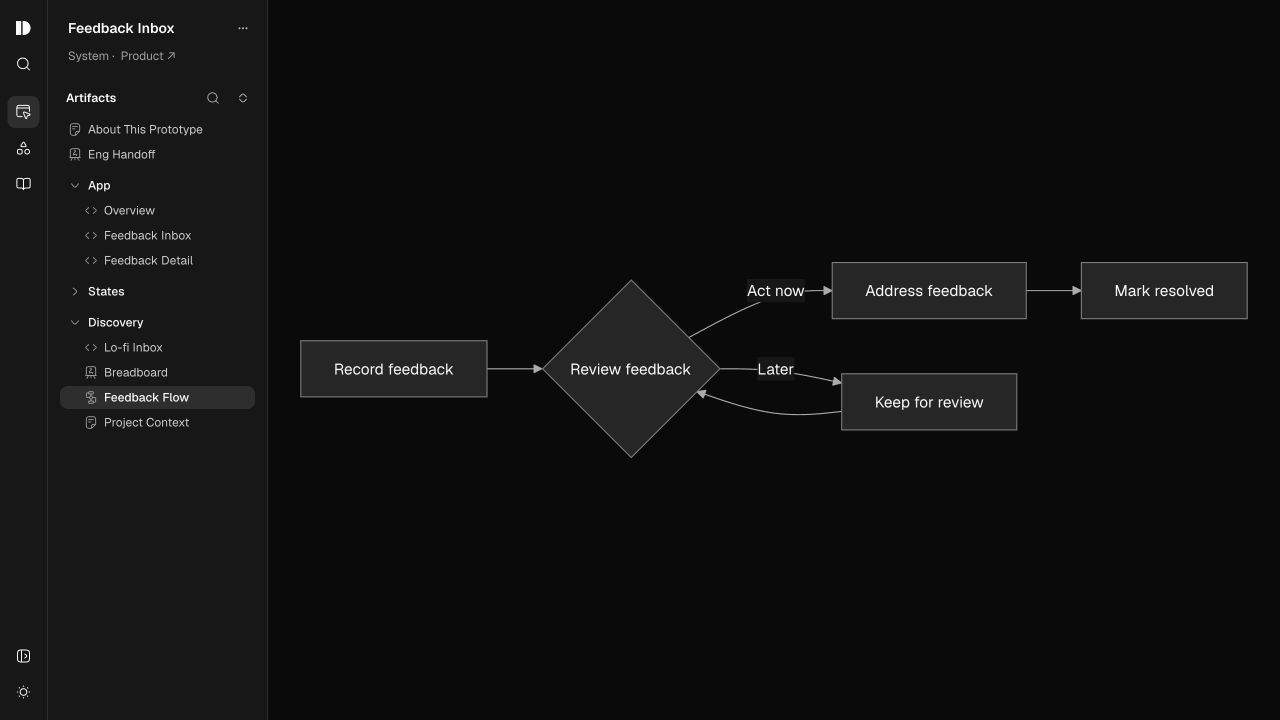
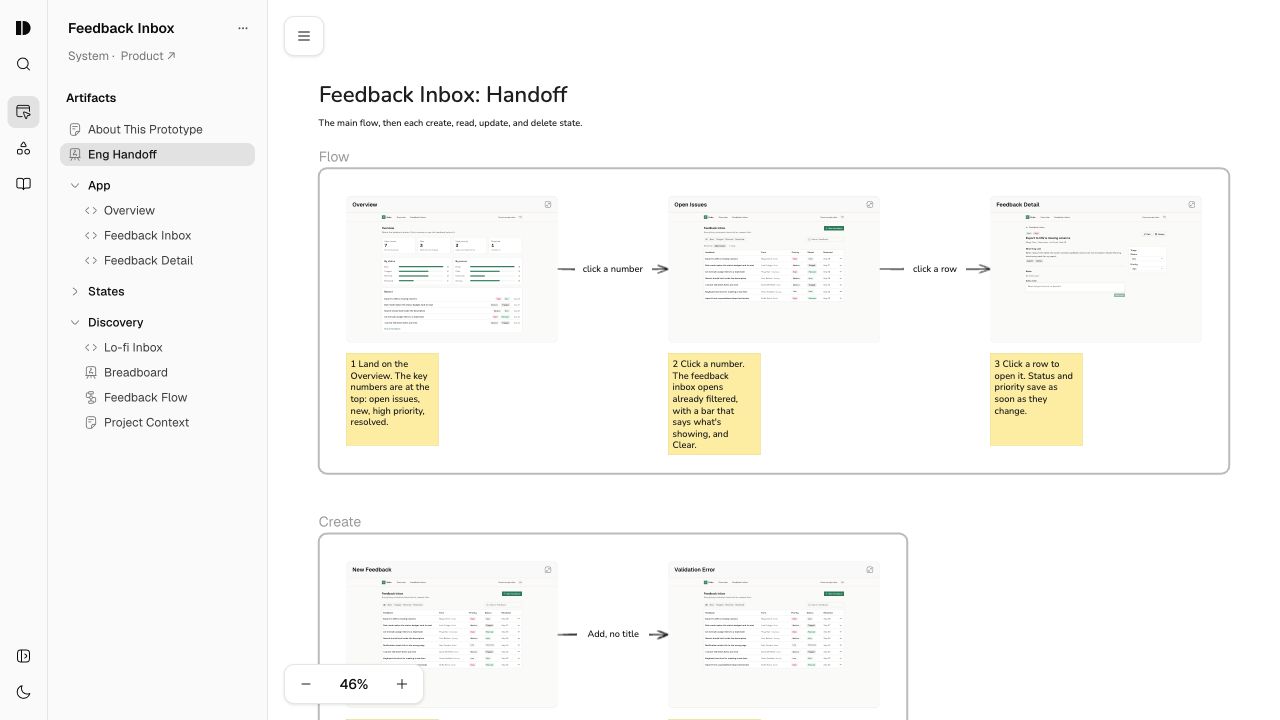
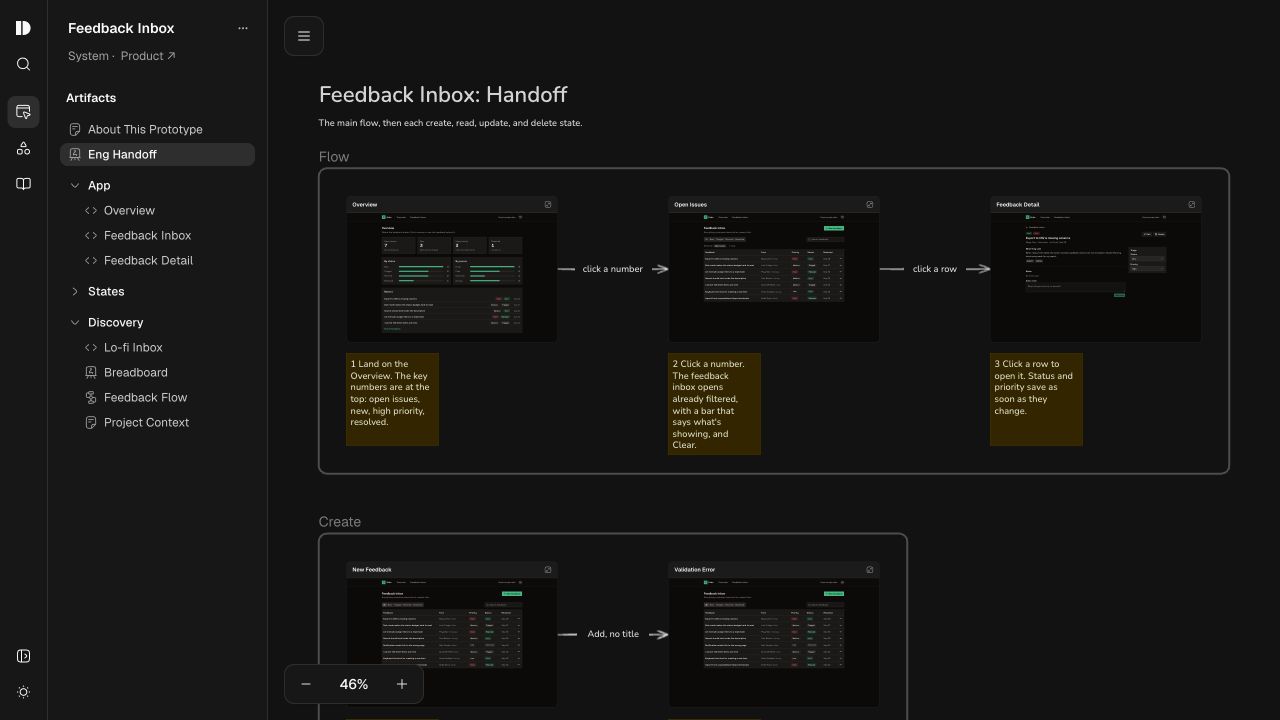
Map a flow, sketch a layout, build an interactive experience, and capture decisions. Combine React views, diagrams, wireframes, canvases, and documents in one prototype.
Interactive prototype
Wireframe
Diagram
Canvas
Document
Your own space. Room for a team.
Start in Personal mode
Explore on your own with full control of your prototypes, systems, and settings.
Design confidently in Team mode
Contributors edit their own prototypes. Admins manage access and assign maintainers for shared systems, giving everyone clear boundaries for their work.
Set up locally. Publish in minutes.
Run Design Studio on your computer, then publish a link for your team. Use your usual coding agent or install it yourself. The prompts guide your agent through both steps.
1. Choose how to run locally
Pick your agent for a guided setup, or install directly from GitHub yourself.
ChatGPT Codex pluginCreate and build with Design Studio in the Codex app.
Copy this prompt into a local Codex chat to install the plugin and create your Design Studio. Your agent will guide you through any restart or new chat needed.
Install the Design Studio plugin locally for Codex from https://github.com/itspatmorgan/design-studio-starter. Read SETUP.md and follow its Codex plugin installation and linked create-studio instructions. Handle the technical steps, preserve my other plugins and existing files, and create my Design Studio on this computer. Open its local preview and help me continue working in its folder. Guide me through any restart, plugin activation, or new chat needed.
Claude Code pluginCreate and build with Design Studio in Claude Code.
In Claude Desktop, choose Code, then Local. Copy this prompt into a local Claude Code chat to install the plugin and create your Design Studio. Choose No folder for initial setup if available; your agent will guide you into your Design Studio folder.
Install the Design Studio plugin locally for Claude Code from https://github.com/itspatmorgan/design-studio-starter. Read SETUP.md and follow its Claude Code local plugin installation and linked create-studio instructions. Handle the technical steps, preserve my other plugins and existing files, and create my Design Studio on this computer. Open its local preview and help me continue working in its folder in Claude Desktop’s local Code view. Guide me through any restart, plugin activation, or new session needed.
Cursor pluginCreate and build with Design Studio in Cursor.
Copy this prompt into a local Agent chat in Cursor to install the plugin and create your Design Studio. Your agent will guide you through any reload needed. If plugin imports are restricted, use Direct from GitHub.
Install the Design Studio plugin locally for Cursor from https://github.com/itspatmorgan/design-studio-starter. Read SETUP.md and follow its Cursor local plugin installation and linked create-studio instructions. Handle the technical steps, preserve my other plugins and existing files, and create my Design Studio on this computer. Open its local preview and help me continue working in its folder. Guide me through any window reload, plugin activation, or new Agent chat needed.
From GitHubSet up with any coding agent, or install it yourself.
Use your coding agent without a plugin. Copy this prompt into a local chat:
Help me install Design Studio from https://github.com/itspatmorgan/design-studio-starter. Read its SETUP.md and follow the linked create-studio instructions. Handle downloading, setup, and opening it for me. Verify that setup will save files on my computer and help me choose the local folder. Preserve anything already there. Show me the running Design Studio and help me continue working in its folder.
Or install it yourself
- Use the GitHub template to create your own repository and clone it, or download the source.
- Install mise, then run these commands in the repository folder:
mise install
mise exec -- pnpm install
mise exec -- pnpm dev
Open the local URL printed in your terminal. Explore independently, or open the folder in your coding agent to start building.
2. Choose where to publish
Choose a host and copy its prompt into your Design Studio agent chat. Your agent handles publishing and updates to the same link.
ChatGPT SitesPublish conversationally when Sites is available to your agent.
Use a local Codex chat with ChatGPT Sites available. Installing Design Studio does not enable Sites; your agent can check its available capabilities.
Publish my existing Design Studio with ChatGPT Sites. Keep authoring local and reuse any existing Site. Use the Design Studio publish-studio procedure and native Sites tools. Read this Design Studio’s AGENTS.md and current publishing guidance. If DEPLOY.md is available, read it too. Preserve my work and existing deployment settings. Help me choose the audience, handle configuration and the static build, and guide me through account sign-in or authorization. Verify the hosted site and a direct prototype link, then give me the viewing URL and instructions for publishing updates. If Sites is unavailable, explain what is needed and help me choose another host.
GitHub PagesKeep your source in GitHub and configure publication on push.
You’ll need a GitHub account and access to configure the repository’s Pages deployment. Your agent can guide you through choosing the repository and authenticating.
Help me publish my existing Design Studio with GitHub Pages. Help me choose the destination repository and its visibility, preserve existing remotes, and configure publication on push. Read this Design Studio’s AGENTS.md and current publishing guidance. If DEPLOY.md is available, read it too. Preserve my work and existing deployment settings. Help me choose the audience, handle configuration and the static build, and guide me through account sign-in or authorization. Verify the hosted site and a direct prototype link, then give me the viewing URL and instructions for publishing updates.
NetlifyPublish a local static build to a Netlify project.
Use an existing Netlify project or let your agent help set one up. Your agent will guide you through account authorization and check the available access controls for your audience.
Help me publish my existing Design Studio with Netlify. Build locally and upload the static output, reusing any existing project. Read this Design Studio’s AGENTS.md and current publishing guidance. If DEPLOY.md is available, read it too. Preserve my work and existing deployment settings. Help me choose the audience, handle configuration and the static build, and guide me through account sign-in or authorization. Verify the hosted site and a direct prototype link, then give me the viewing URL and instructions for publishing updates.
VercelPublish to your chosen Vercel account or team.
Use an existing Vercel project or let your agent help set one up. Ask it to check the appropriate plan and access controls for your intended use.
Help me publish my existing Design Studio with Vercel. Prepare and deploy the static output, reusing any existing project. Read this Design Studio’s AGENTS.md and current publishing guidance. If DEPLOY.md is available, read it too. Preserve my work and existing deployment settings. Help me choose the audience, handle configuration and the static build, and guide me through account sign-in or authorization. Verify the hosted site and a direct prototype link, then give me the viewing URL and instructions for publishing updates.
Help me chooseStart with your team’s host, or ask your agent to assess the options.
Use this prompt in your existing Design Studio folder. Tell your agent who needs to see the work and whether you already have a hosting account.
Help me publish my existing Design Studio. Assess ChatGPT Sites, GitHub Pages, Netlify, Vercel, or my team’s existing static-site host based on the tools and accounts available. Read this Design Studio’s AGENTS.md and current publishing guidance. If DEPLOY.md is available, read it too. Preserve my work and existing deployment settings. Help me choose the audience, handle configuration and the static build, and guide me through account sign-in or authorization. Verify the hosted site and a direct prototype link, then give me the viewing URL and instructions for publishing updates.
A note from the creator
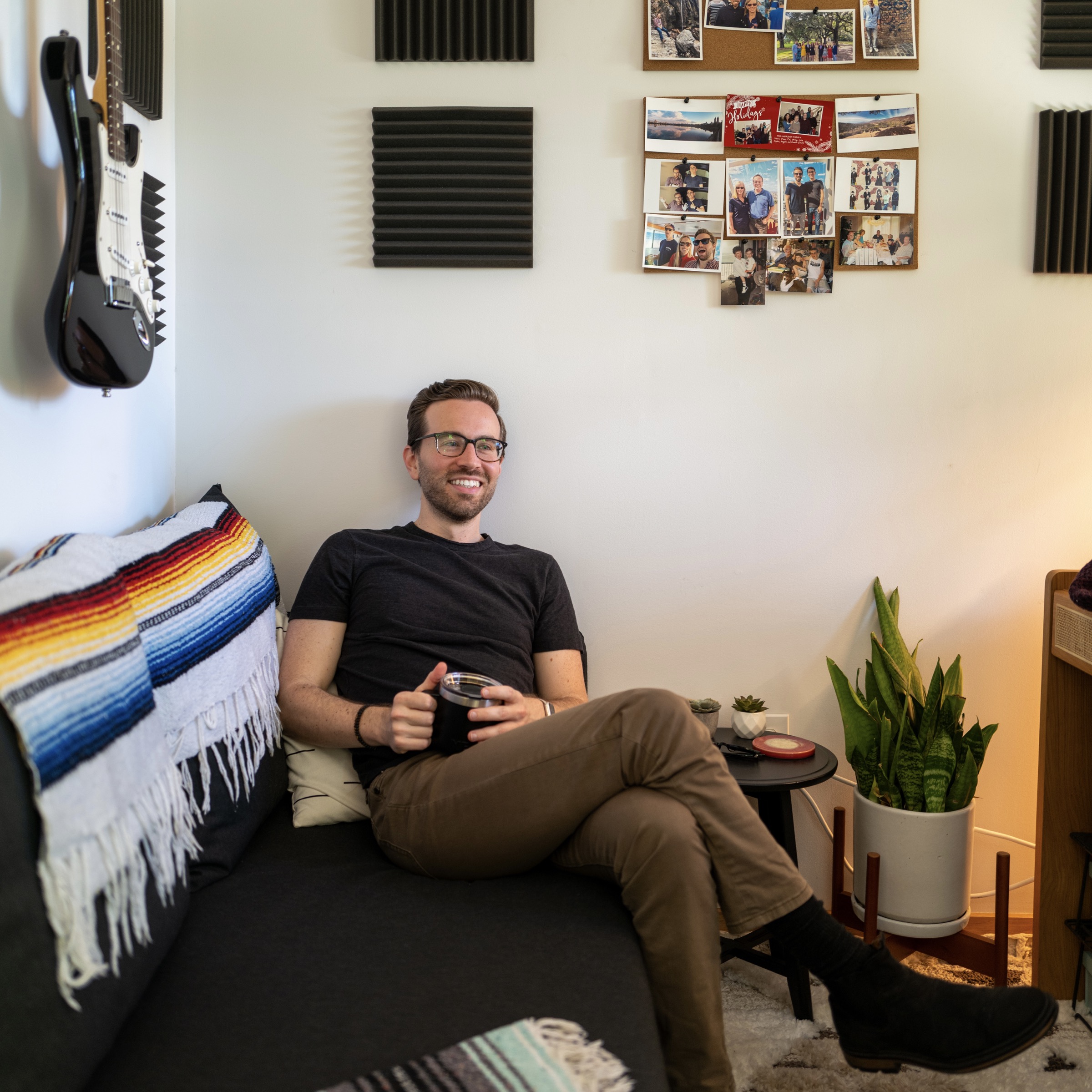
Hello friend,
Design Studio is something I’ve wanted to exist for years.
Over a decade ago, I started my tech career as a front-end developer embedded on a product design team. Prototyping and design technology have been central to my work ever since. This year, coding agents finally made it possible to build the environment I’d imagined and make that way of working accessible to more teams.
Design Studio carries years of thinking and experimentation, shaped by using early versions with my teammates at Sublime Security. Their support and our day-to-day product and marketing work helped make it what it is.
I’m sharing Design Studio freely and openly to help bring more good design into the world. I hope the community will make it better together. Explore the code on GitHub, adapt it, or contribute.
I’d love to see what you build, hear what gets in your way, and help you make Design Studio fit your team.
 Read the story behind Design Studio
 Share what you build and tag @itspatmorgan. Follow more experiments in Unknown Arts.
Feedback and contributions on GitHubDesign Studio
A project brief and setup guide for your coding agent.
# Design Studio

A prototype sandbox for designers and product managers who build. Create connected prototypes and reusable systems that bring together components, theme, context, and skills. Work with your coding agent, your code, and your context, individually or with a team. Design Studio is open source and built on open file formats you can extend.

Product: Design Studio
Starter repository: https://github.com/itspatmorgan/design-studio-starter
Published Design Studio demo: https://itspatmorgan.com/design-studio-starter/
License: MIT
Creator: Patrick Morgan

## Build prototypes

Build the interface, map the flow, explore alternatives, and capture the decisions behind them. Keep working views, diagrams, canvases, and documents together so the user and agent can develop the whole idea.

Create and edit locally with the agent, then publish a Design Studio for others to explore interactive prototypes through a shared viewing link. Editing stays local.

## Make it yours

Create distinct systems for different products or teams and reuse each across multiple prototypes. Each system brings together Context and Skills as instructions, and Theme, Components, and Assets as its toolkit. Assign the appropriate system to a prototype to give the agent the foundation and guidance for its work.

The user can start with included examples and develop their system as they go.

Curate a system around your idea: describe what you want to prototype. Your agent helps select and bring together components from shadcn/ui or Untitled UI, then shape the theme around your work.

Bring your own design system: share your team’s React components and theme. Your agent reviews the source, identifies adaptations and dependencies, and proposes an import plan for review before bringing the system into Design Studio.

## Capture context

Keep shared product knowledge and design principles in system context. Save the brief, assumptions, decisions, and open questions for an individual prototype as Markdown documents alongside its other artifacts. The user and agent can edit the same document. Choose the artifact types that help answer the question; no fixed sequence is required.

## Build together

A published link lets people try interactive prototypes and browse artifacts. Share the repository when teammates or engineers need to continue from the code and context. Each contributor builds locally. Team mode scopes source editing; it does not control access to the published viewer.

## Work on your own terms

Design Studio is open source. The user owns the code and the work they create. Prototypes use React and TypeScript, canvases use Excalidraw, diagrams use Mermaid, and documents use Markdown. These source files can move with the user.

Use Design Studio through a plugin in ChatGPT Codex, Claude Code, or Cursor, or set it up directly from GitHub. The agent helps build and edit in a local sandbox.

Defaults are shaped by real product and marketing work. Bring your own components, change the interface, and adapt the code, folder structure, and workflows to fit your team.

## Create a Design Studio

Set up a local Design Studio to create and edit with your agent. For a viewing example, explore the published demo:
https://itspatmorgan.com/design-studio-starter/

The Feedback Inbox sample includes a guided tour of connected artifacts:
https://itspatmorgan.com/design-studio-starter/prototypes/ccncfpcyaa1hvjts

The published demo is read-only for artifact editing, but its prototypes are interactive. Published Design Studios share designs for others to explore. Run a local copy to edit artifacts and build with your coding agent.

Use a desktop coding app with local access. Each request covers setup through opening your local Design Studio. A restart, reload, or new chat may still be needed. The four setup procedures are documented at:
https://github.com/itspatmorgan/design-studio-starter/blob/main/SETUP.md

Plugins are in beta and distributed through local/repository installs. Do not imply a reviewed public-directory listing.

## 1. ChatGPT Codex plugin

### Set up locally

Copy this prompt into a local Codex chat to install the plugin and create your Design Studio. Your agent will guide you through any restart or new chat needed.

> Install the Design Studio plugin locally for Codex from https://github.com/itspatmorgan/design-studio-starter. Read SETUP.md and follow its Codex plugin installation and linked create-studio instructions. Handle the technical steps, preserve my other plugins and existing files, and create my Design Studio on this computer. Open its local preview and help me continue working in its folder. Guide me through any restart, plugin activation, or new chat needed.

## 2. Claude Code plugin

Copy this prompt into a local Claude Code chat to install the plugin and create your Design Studio. Choose No folder for initial setup if available; your agent will guide you into your Design Studio folder.

In the Claude desktop app, choose **Code**, then select **Local**.

> Install the Design Studio plugin locally for Claude Code from https://github.com/itspatmorgan/design-studio-starter. Read SETUP.md and follow its Claude Code local plugin installation and linked create-studio instructions. Handle the technical steps, preserve my other plugins and existing files, and create my Design Studio on this computer. Open its local preview and help me continue working in its folder in Claude Desktop’s local Code view. Guide me through any restart, plugin activation, or new session needed.

## 3. Cursor plugin

Copy this prompt into a local Agent chat in Cursor to install the plugin and create your Design Studio. Your agent will guide you through any reload needed. If plugin imports are restricted, use Direct from GitHub.

> Install the Design Studio plugin locally for Cursor from https://github.com/itspatmorgan/design-studio-starter. Read SETUP.md and follow its Cursor local plugin installation and linked create-studio instructions. Handle the technical steps, preserve my other plugins and existing files, and create my Design Studio on this computer. Open its local preview and help me continue working in its folder. Guide me through any window reload, plugin activation, or new Agent chat needed.

## 4. Direct from the source repository

Copy this prompt into your local coding agent to create Design Studio directly from GitHub. No plugin is required, so this also works when plugin installs are restricted.

For manual setup without an agent, follow [manual installation](https://github.com/itspatmorgan/design-studio-starter/blob/main/SETUP.md#manual-installation): create a repository from the GitHub template or download the source, install mise, then run mise install, mise exec -- pnpm install, and mise exec -- pnpm dev in the repository folder. Open the local URL printed in the terminal.

> Help me install Design Studio from https://github.com/itspatmorgan/design-studio-starter. Read its SETUP.md and follow the linked create-studio instructions. Handle downloading, setup, and opening it for me. Verify that setup will save files on my computer and help me choose the local folder. Preserve anything already there. Show me the running Design Studio and help me continue working in its folder.

## What happens after setup

Your agent may need permission to download tools or create the folder. It handles the technical steps and tells you when it needs help.

Your Design Studio and all its source files live in the local folder you confirm with your agent. It recommends a location based on your computer and permissions, preserves existing folders, and shows the actual absolute path and local preview URL. Continue working in that Design Studio folder, not in the plugin's files. A GitHub account is optional for personal use.

Product and Marketing are example systems. Feedback Inbox and Design Studio Marketing are example prototypes for learning. Explore them, then ask your agent to customize, replace, or remove them for your own needs. Keep Studio, the application's system.

New Design Studios start in Personal mode. When you are ready to collaborate, switch to Team in Design Studio settings. This enables Contributors & Permissions so you can assign Admins and system access.

To return later, open the same Design Studio folder and ask **“Open my Design Studio.”** Plugin updates do not automatically upgrade an existing Design Studio.

## Publish for your team

Hosting is optional and configured separately from the local authoring environment. Open the existing Design Studio folder and ask the agent to assess ChatGPT Sites, GitHub Pages, Netlify, Vercel, or your team’s static-site host for your tools, accounts, and intended audience. GitHub Pages can be used with any of the local agent setup paths; publishing workflows are not preconfigured in agent-created working Design Studios.

Read the owned repository’s AGENTS.md and current publishing guidance before configuring hosting; read DEPLOY.md if present. Preserve existing provider identities and deployment settings. Sites requires native Sites tools and the publish-studio procedure. Guide the user through account sign-in or authorization. Build the static viewing site, configure the host's base path and direct-link routing, and verify a direct prototype link and reload. Choose access settings appropriate for the work being shared. Published prototypes remain interactive, but source editing and the agent stay local. Local changes appear on the viewing site after publishing a new build.

Publishing source:
https://github.com/itspatmorgan/design-studio-starter/blob/main/src/platform/context/publishing.md

## Stay involved

Share work made with Design Studio and tag Patrick Morgan at https://x.com/itspatmorgan.
Feedback and contributions: https://github.com/itspatmorgan/design-studio-starter
Follow Unknown Arts for experiments and ideas about building with agents: https://www.unknownarts.com


## Work in Design Studio

Read the owned Design Studio folder's README.md and AGENTS.md before editing files. Follow its getting-started guide to configure Design Studio identity and contributor details. Resolve the prototype's assigned system before changing its design or implementation.

Bring the user's components, tokens, and design context into their own system. Keep the reasoning alongside the artifacts. Review working prototypes and their states in the browser.

The local Design Studio Guide is available at /documentation/manual. This is a route in the running Design Studio app, not on Patrick's website. Detailed platform contracts live at /documentation/context in the same app.

## Sources

Repository and current setup instructions:
https://github.com/itspatmorgan/design-studio-starter#readme

Getting-started source:
https://github.com/itspatmorgan/design-studio-starter/blob/main/src/modules/documentation/pages/index.md

Landing page:
https://itspatmorgan.com/design-studio

Why Patrick is building it:
https://itspatmorgan.com/writing/build-a-design-os

Use the cloned repository's current documentation as the authority for implementation and setup details.